
Original bilingual journalism · English & తెలుగు

Samsung Gallery sync moves to Google storage: 15 GB free, a new ‘Free up space’ option and how to switch it on
Samsung said on 10 November that Gallery on Galaxy phones with One UI 9 can send photos and videos to the owner's Google storage, with a new option that clears synced originals off the phone. As much as 15 GB is free.

Photos and videos shot on a Samsung Galaxy phone can be backed up from the Gallery app straight to the owner’s Google storage, with no extra app or separate cloud account. Samsung Electronics said on Tuesday, 10 November, that Samsung Gallery sync, a service it runs with Google, has begun on some Galaxy phones and tablets that have One UI 9, with more models to follow in phases. The company also introduced “Free up space”, an option that clears full-size originals off the phone once they have synced and leaves small previews in Gallery.
Samsung Gallery stopped syncing directly with Microsoft’s OneDrive on 30 September 2026. Pictures sent to OneDrive before that date can still be opened through OneDrive’s own app or website, Samsung said. Microsoft’s help page says those files are neither deleted nor altered, though they no longer show inside Gallery.
How to switch it on
Samsung India’s support page sets out the steps in English and Hindi. Open Gallery, press the menu icon in the bottom-right corner and choose Settings, then “Sync photos and videos”. Pick a Google account, turn the switch on, tap Continue and then “Sync now”. Under “Albums to sync”, folders such as Screenshots and Downloads can be added. The page says the feature needs One UI 9.0 or a later version, which is listed under Settings, About phone, Software information.
One UI 9 arrived first on the Galaxy Z Fold8 Ultra, Z Fold8 and Z Flip8, and Samsung began extending it on 16 September, with the Galaxy S26, S26+ and S26 Ultra first in line. Its release names no countries for Gallery sync, saying only that availability differs by market and model.
What it costs, and what to watch
Gallery sync brings no storage of its own. The photos count against the linked Google account, whose free allowance of up to 15 GB is also drawn on by Gmail, Google Drive and Google Photos. Files are kept in original quality. Anyone who needs more room has to buy a Google One plan.
A photo deleted in Gallery also disappears from Google storage and from every other Galaxy device on the same accounts. Pictures on a memory card do not sync until they are moved to the phone’s internal storage. Only personal Google accounts qualify; those supervised by a parent and Google Workspace accounts are left out. At launch, pictures already sitting in Google storage when sync is turned on will not appear in Gallery by themselves. On a new Galaxy phone, turning sync on with the old phone’s accounts brings up previews of earlier photos. Samsung has given no dates for the remaining Galaxy models.
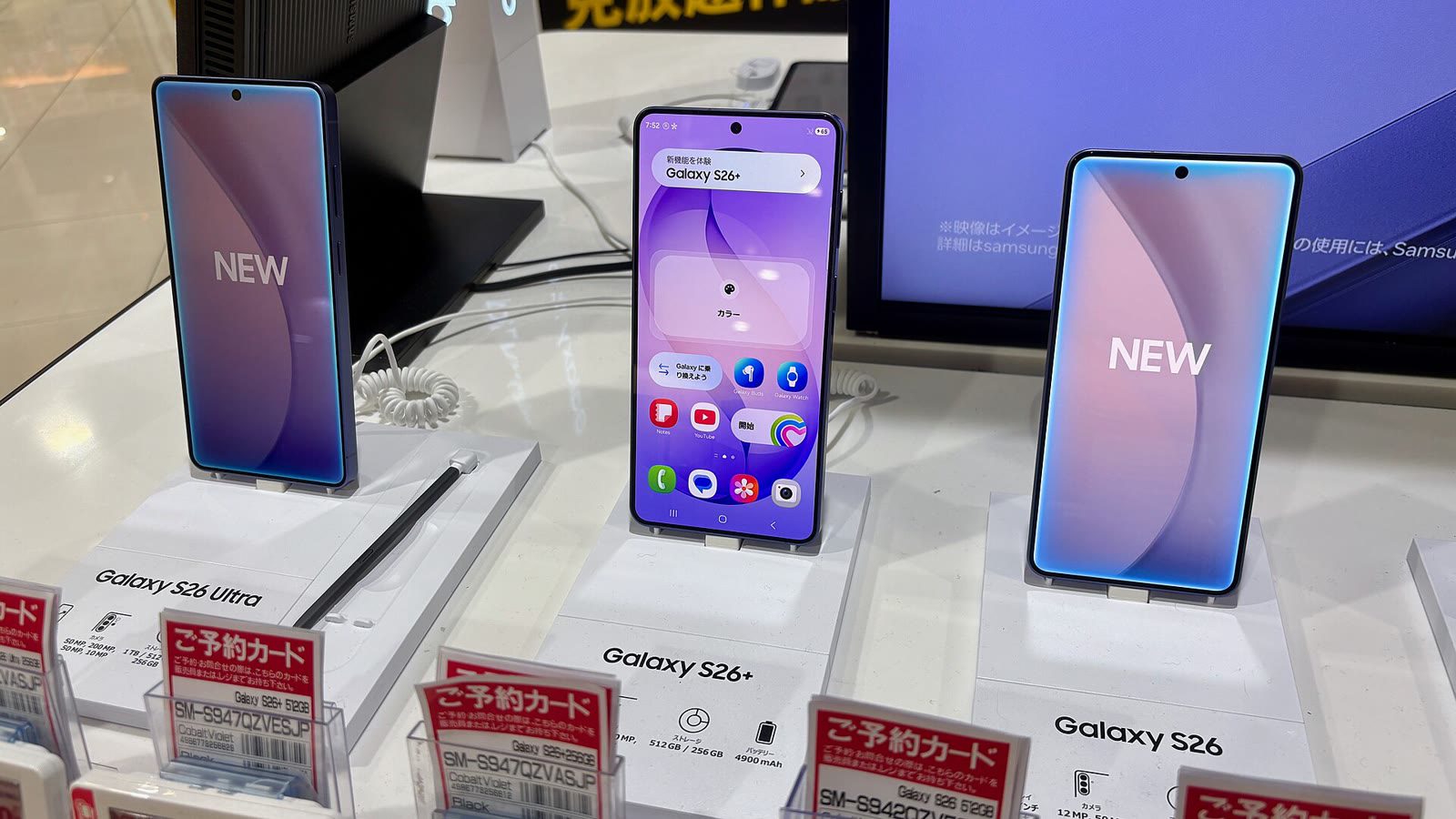
Galaxy S26 Ultra, S26+ and S26 phones on display at an electronics store in Nagoya, Japan. File photo. Photo: Kyu3a / CC BY-SA 4.0 via Wikimedia Commons
More Stories
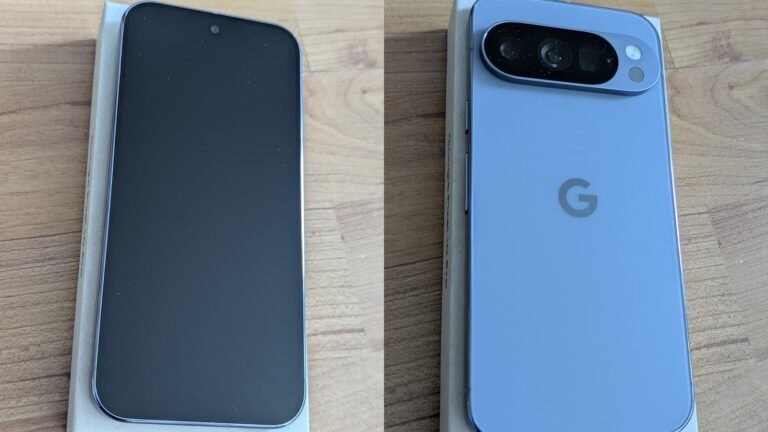 TechnologyGemini task automation reaches India: Google’s assistant can book cabs and order food on Pixel 10, Pixel 11 and Galaxy S26 phones
 TechnologyInstagram Teen Accounts: Meta takes age-estimation checks worldwide, moving suspected teens into restricted settings even with an adult birthday
 TechnologyTRAI port charges: ₹5.6 lakh a year cap on 1 Gbps links between telecom networks from 1 January 2027, first revision since 2012
 TechnologyCERT-In names ‘CRAFTY FALCON’ behind attacks on NBFC and fintech payment systems, timed for holidays and weekends
 TechnologyAndroid security update: CERT-In rates flaws in Android 14 to 17 critical; how to check your phone’s patch level
 TechnologyStartup India portal links to I-STEM: 31,540 lab instruments at 4,044 institutions, Hyderabad’s CSIR labs among them